2016 · Case study
INKS
Pinball that paints the path you play.
- Contribution
- Programmer and technical artist, covering the flowing-ink concept, rendering, game systems and tools
- With
- State of Play
- Year
- 2016
- Built with
- Unity · C# · Shaders · Render textures · 2D physics · Editor tooling
- Project recognition
- Apple Design Award
The project
Flowing ink, a painted ball and Unity tools that keep the artwork, physics and objectives in step.
INKS began as a quieter, paper-like take on pinball. I had been experimenting with organic splat shapes and developed the flowing-ink idea that became part of the game. Every hit leaves paint behind; the finished table records the route you took.
Table and level design were collaborative. My main work was the ink system, ball presentation, game systems and Unity tools that connected the artwork to play.
Apple Design Award-winning game, 2016.
01 / Game design
A painting that remembers the run
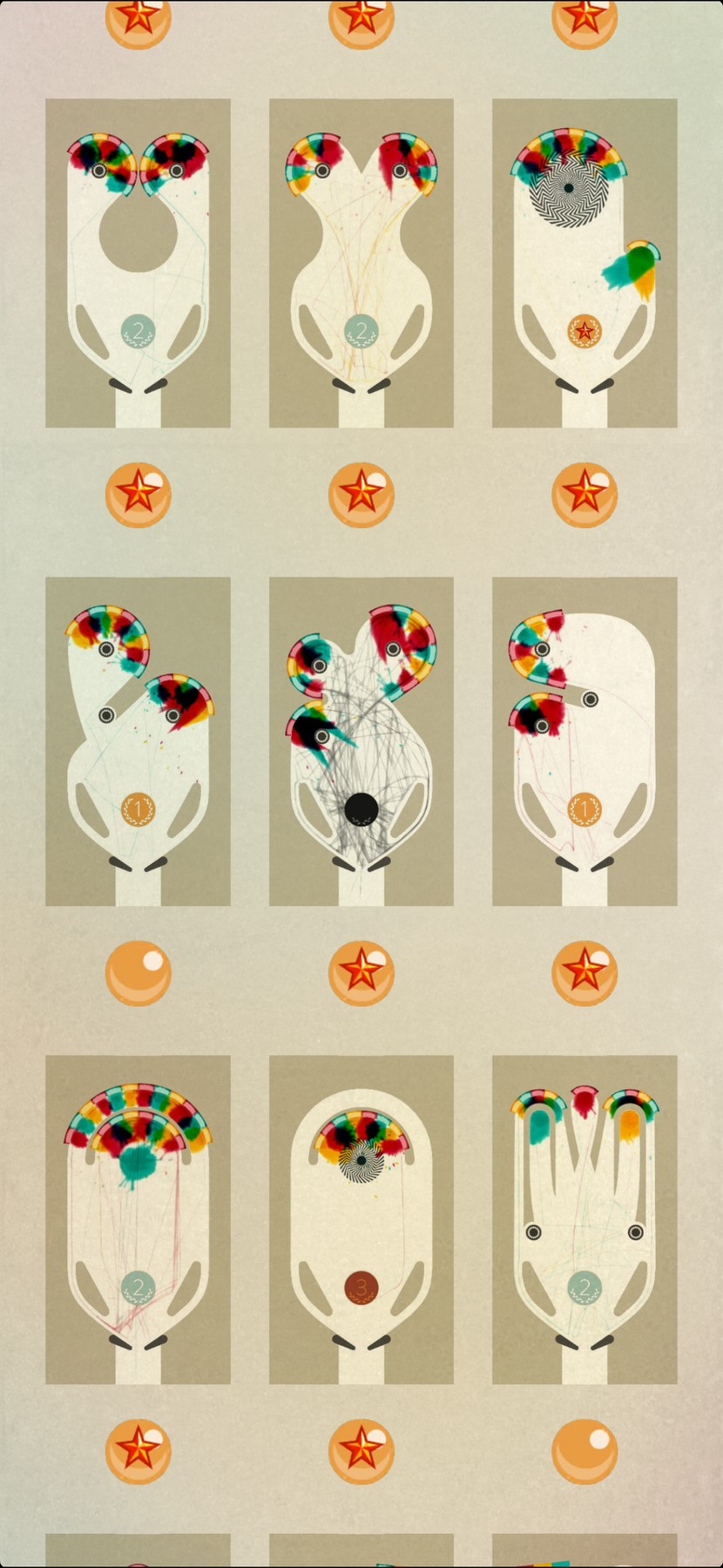
The finished table records more than the path of the ball. It carries something of how the player got there. A precise run can leave a spare, clean line; a difficult one can become a tangle of marks.
The first three balls offer gold, silver and bronze results. After those are lost, the player can keep trying with unlimited black balls. Those balls leave black ink that mixes into the wet paint, so a hard-won finish can look muddy and frustrated. The visual result tells that story through the same ink system used throughout play.
The level-select screen keeps each completed table's painting in place of the empty layout. It becomes a personal gallery of play, including both the elegant finishes and the struggles. A player can screenshot a favourite result and send it to a friend as a trophy.
02 / Process
Leave space for the paint
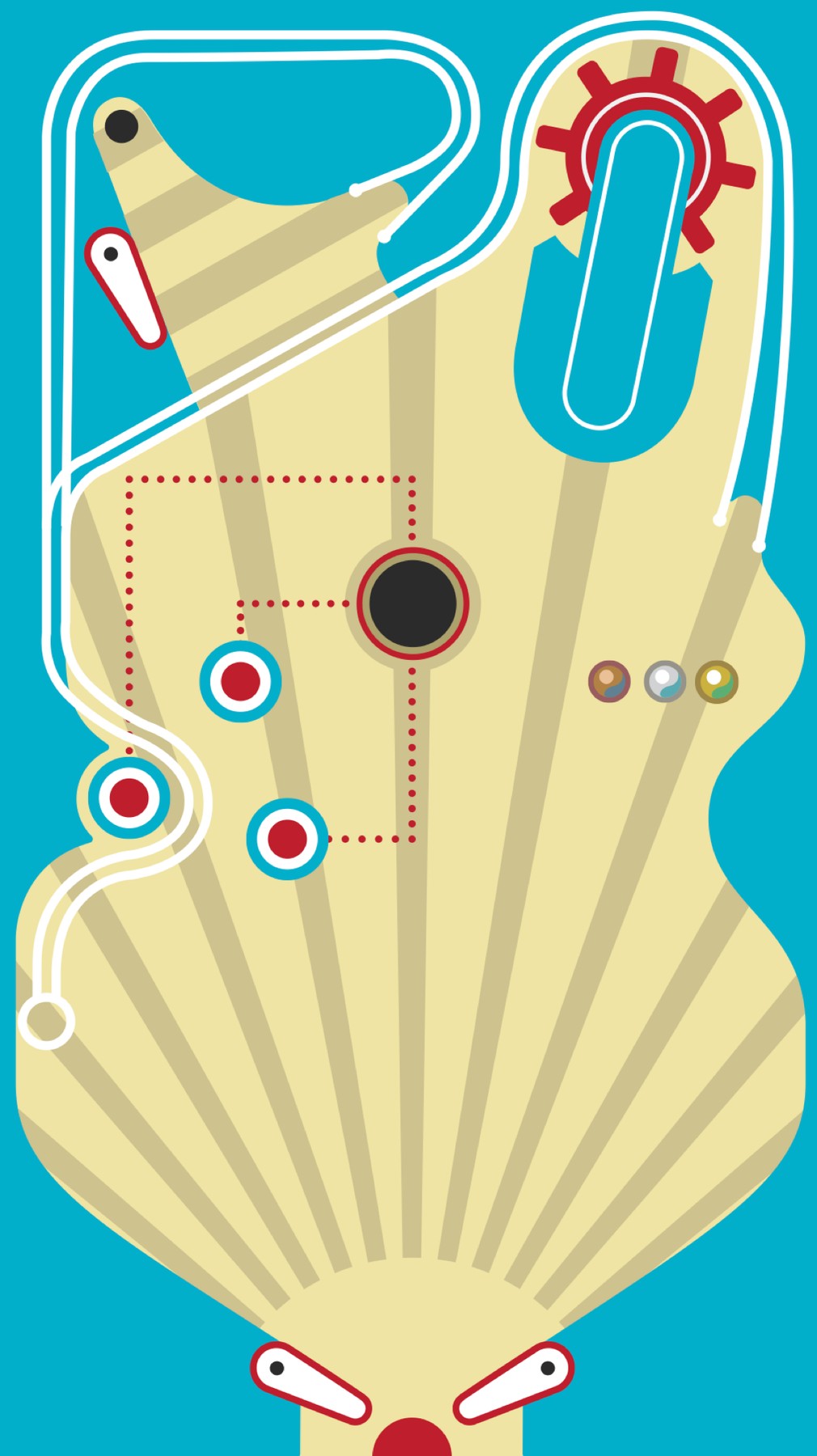
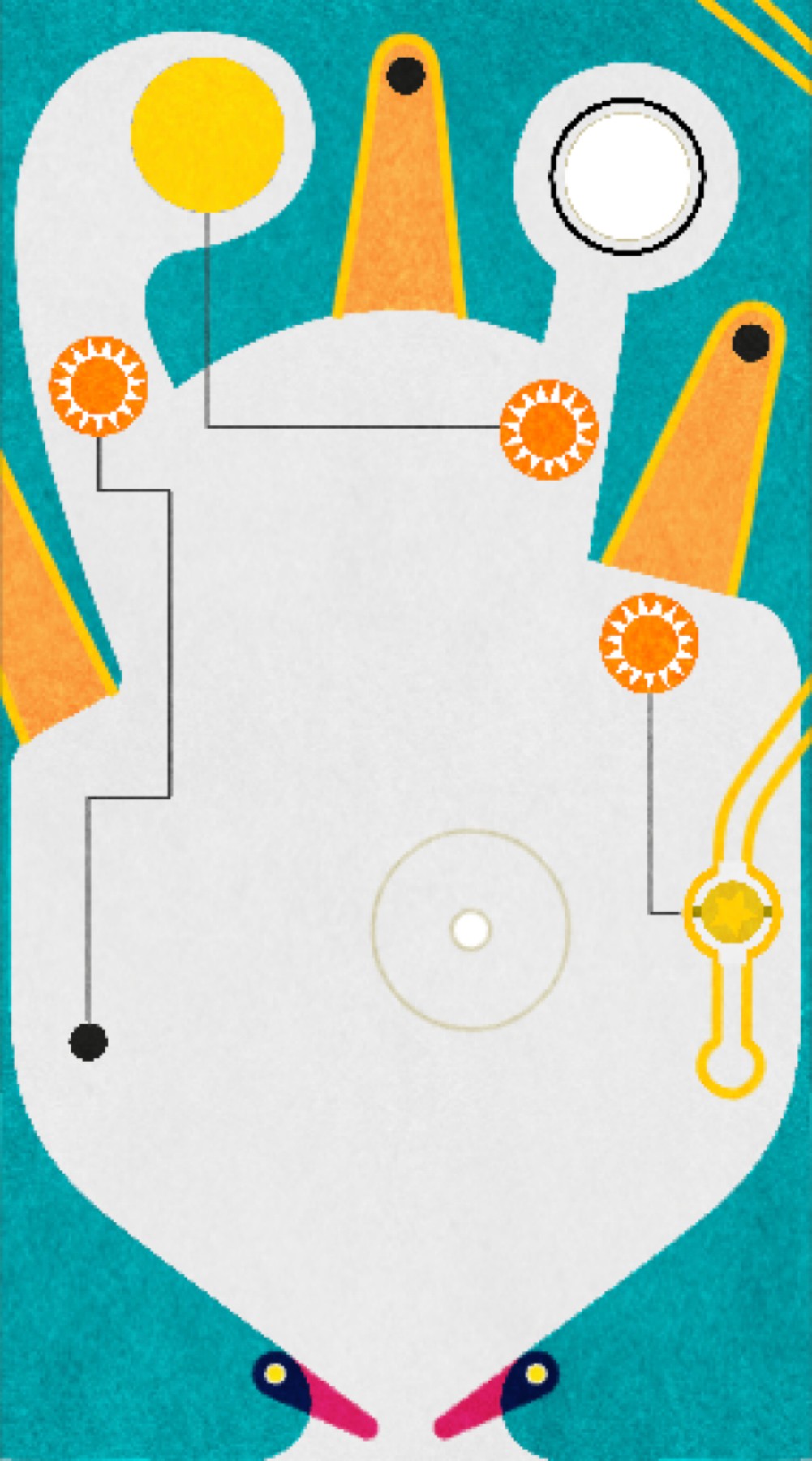
The early tables were busier, including versions made before the ink direction was established. As the layouts simplified, the movement of the ball and the marks it left could carry more of the picture.
I have kept the old table studies because they show that change more clearly than a finished screenshot can.
03 / Process
Shape, flow and colour
An impact starts with metaball fields arranged into a directional splat. A fluid simulation then moves the wet ink across the texture. The ball draws into the colour surface and adds wetness as it passes, disturbing paint already there.
Colours use a paint-mixing approach rather than simple RGB interpolation. Further processing reduces pigment through the middle of a mark, giving it some of the character of watercolour.
Ten years later I came back to the idea with thick paint in Fold & Squish, simulated with Metal compute.
04 / Process
Stop the initial splat at a boundary
A large splat could otherwise appear through a rail or around a corner. I used table geometry to construct a two-dimensional shadow mask and clipped the deposit when it was laid down. That dealt with the initial splash without asking the fluid simulation to solve the whole table as three-dimensional geometry.
05 / Process
Make a sprite look as though it rolls
The ball uses 2D physics. Its painted surface comes from a separate 3D setup rendered into a cubemap, which the sprite samples with an emulated rolling orientation. The cubemap only needs updating when the paint on the ball changes.
06 / Process
Draw the table once
Custom Bezier controls in Unity generated the visible rails, collision geometry and separate splat zones. Artists could change the curve and keep those systems aligned.
One smooth physical contact could pass through several objectives or splat events along the same curve. Those zones also supplied their colours. The tool saved us from maintaining a visible table, its collision surface and its game logic as unrelated pieces.
07 / Installation
Phone game, physical table
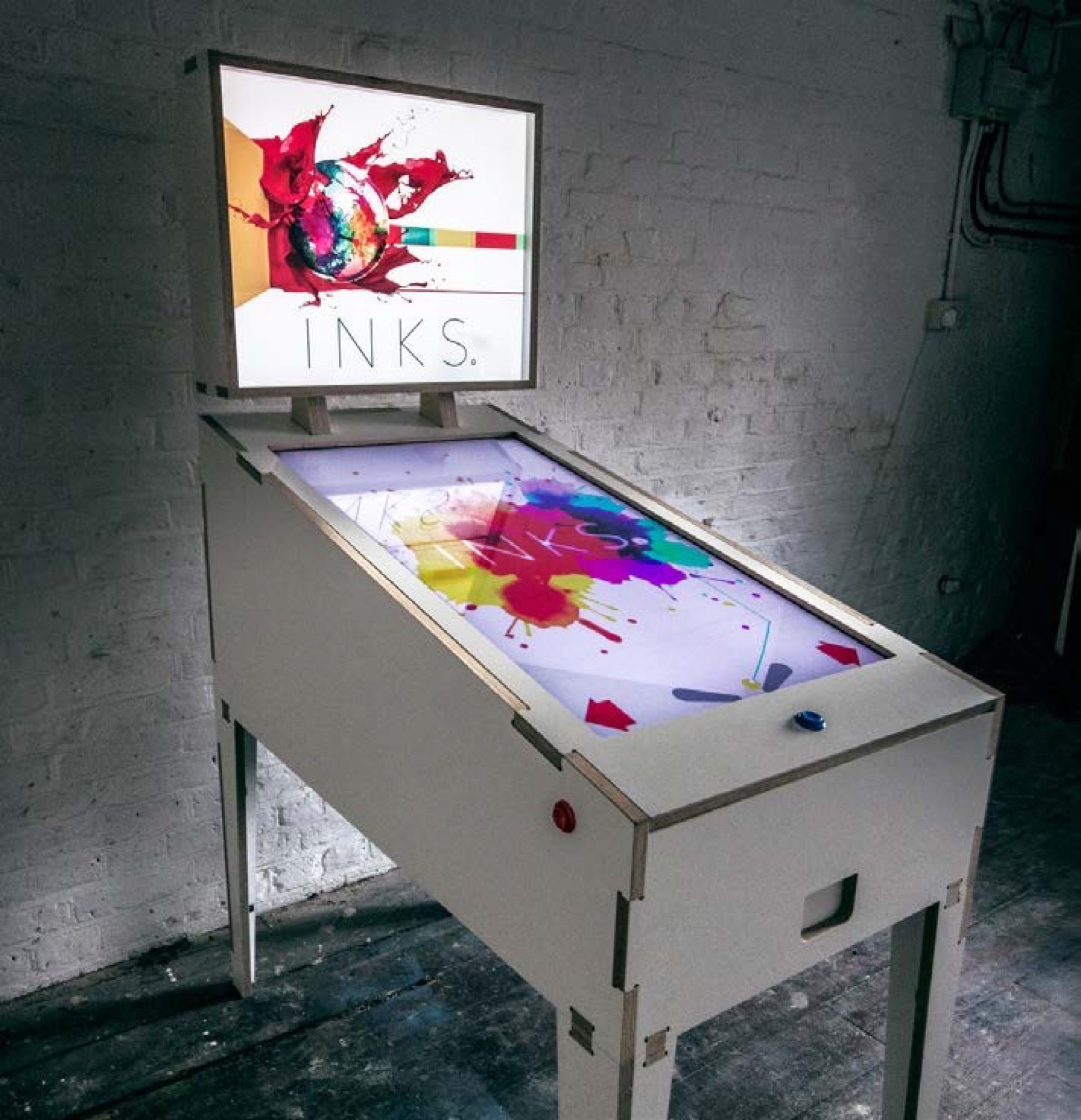
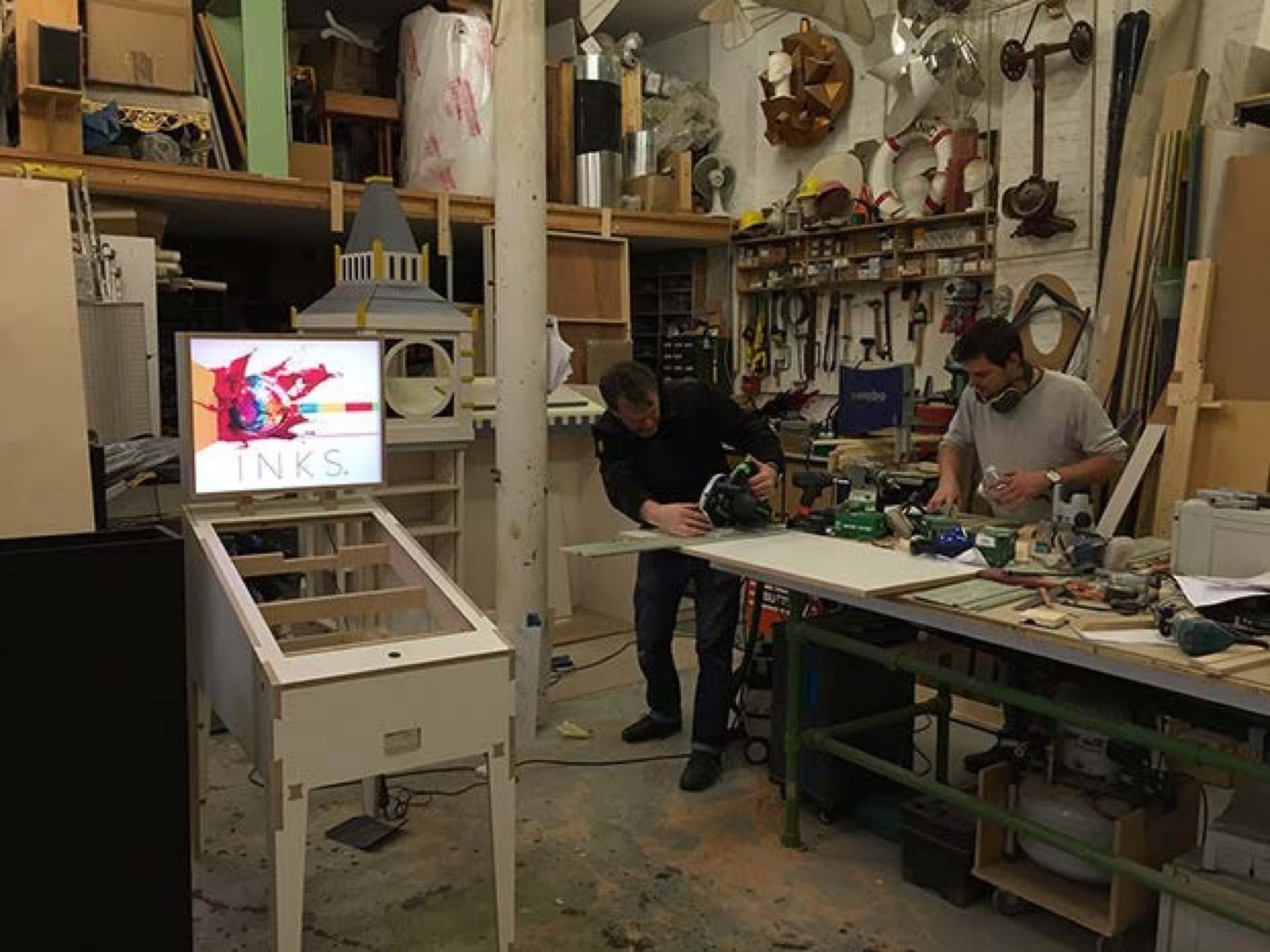
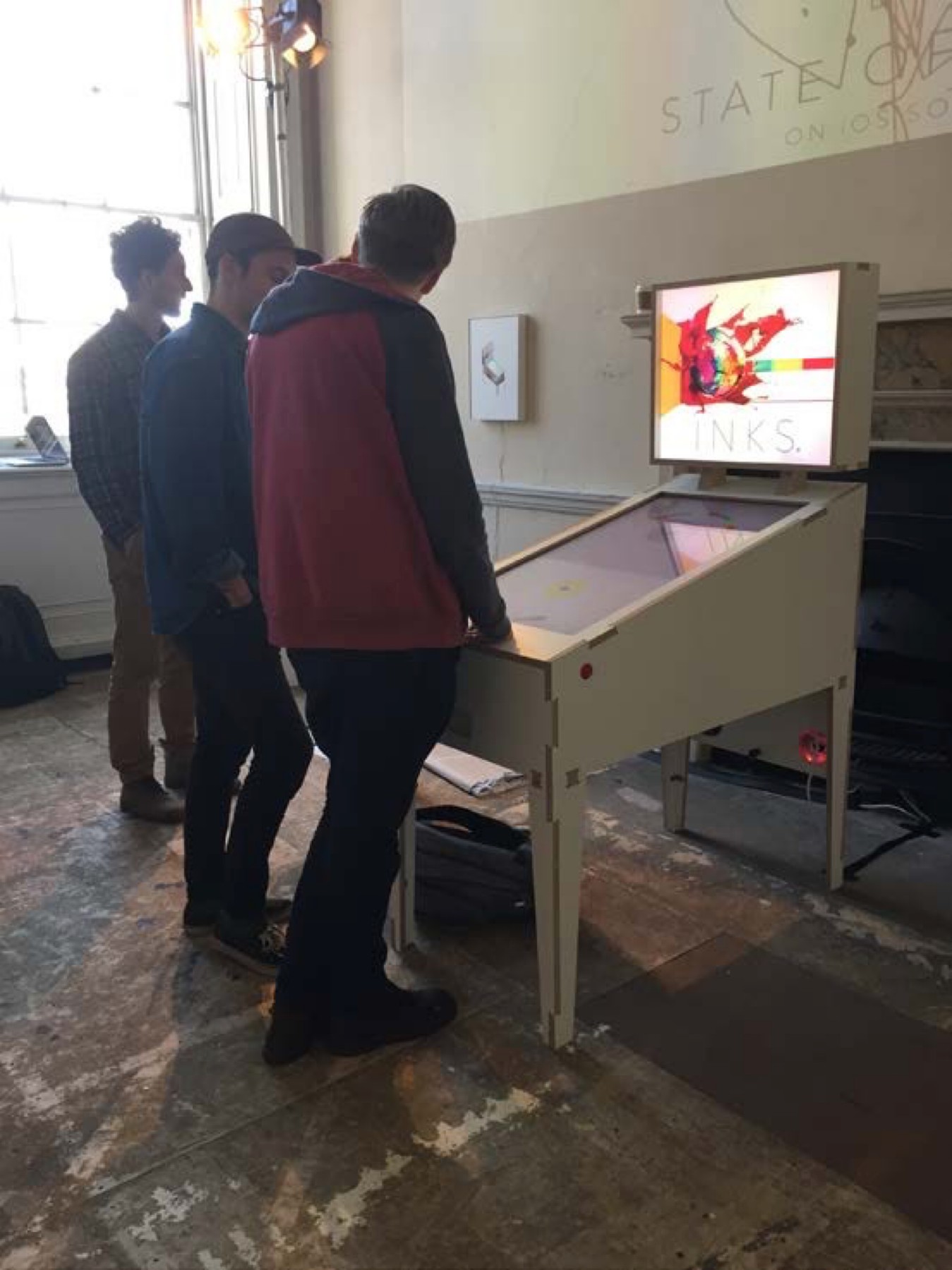
We built an exhibition version of INKS in a full-size pinball cabinet. Physical controls connect to the digital playfield, letting visitors gather around and watch each painting develop.
INKS and the exhibition table were made at State of Play. The game won an Apple Design Award in 2016.