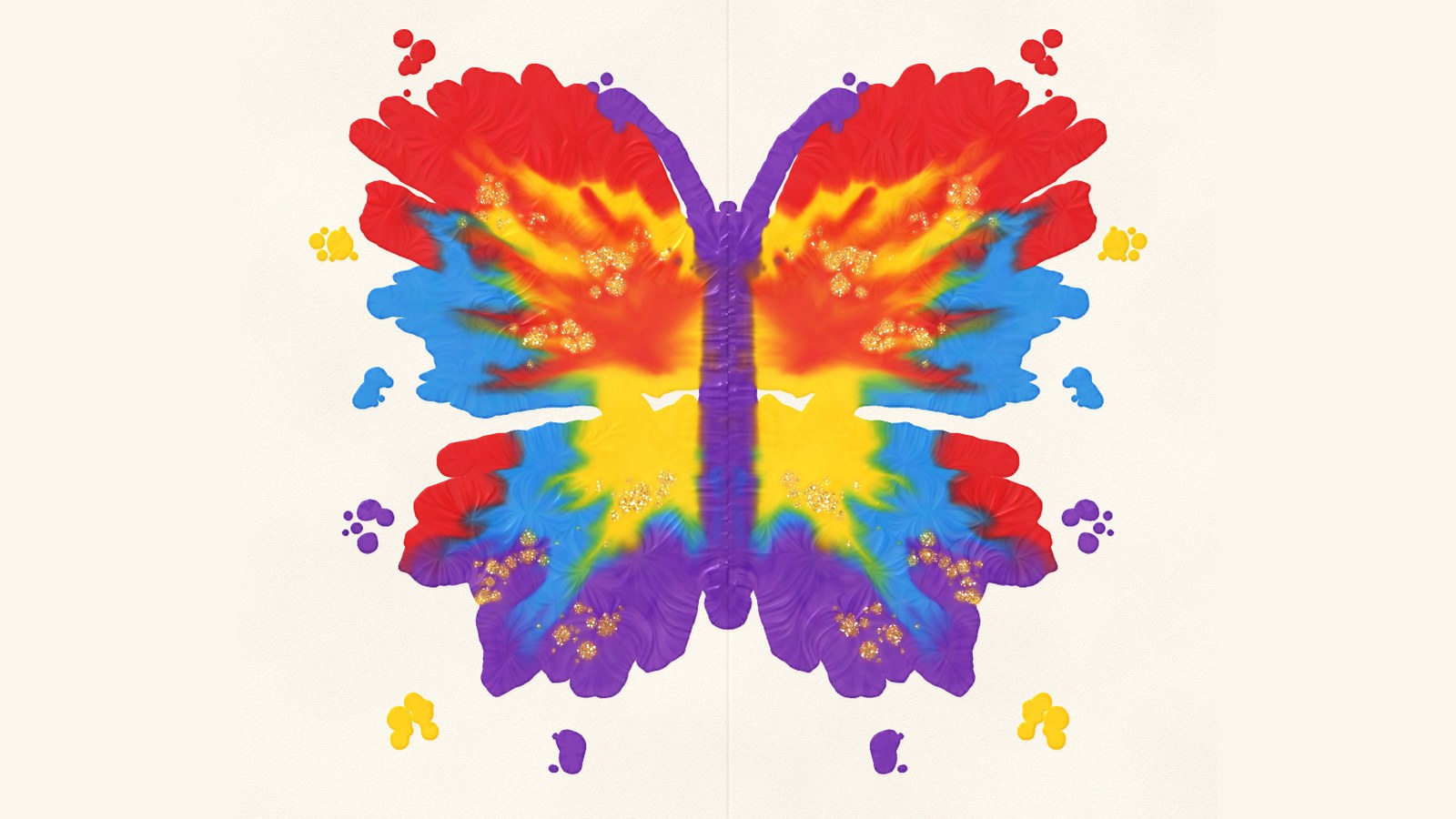
 Fold & SquishButterfly painting with real-feeling paint, simulated on the GPU with Metal for iPhone, iPad and iPhone Duo.SwiftSwiftUIMetalView case study
Technical art · Games
Paint That Squishes
How the paint in Fold & Squish splats, mixes, squishes and sparkles, and how Metal keeps it all running every frame.
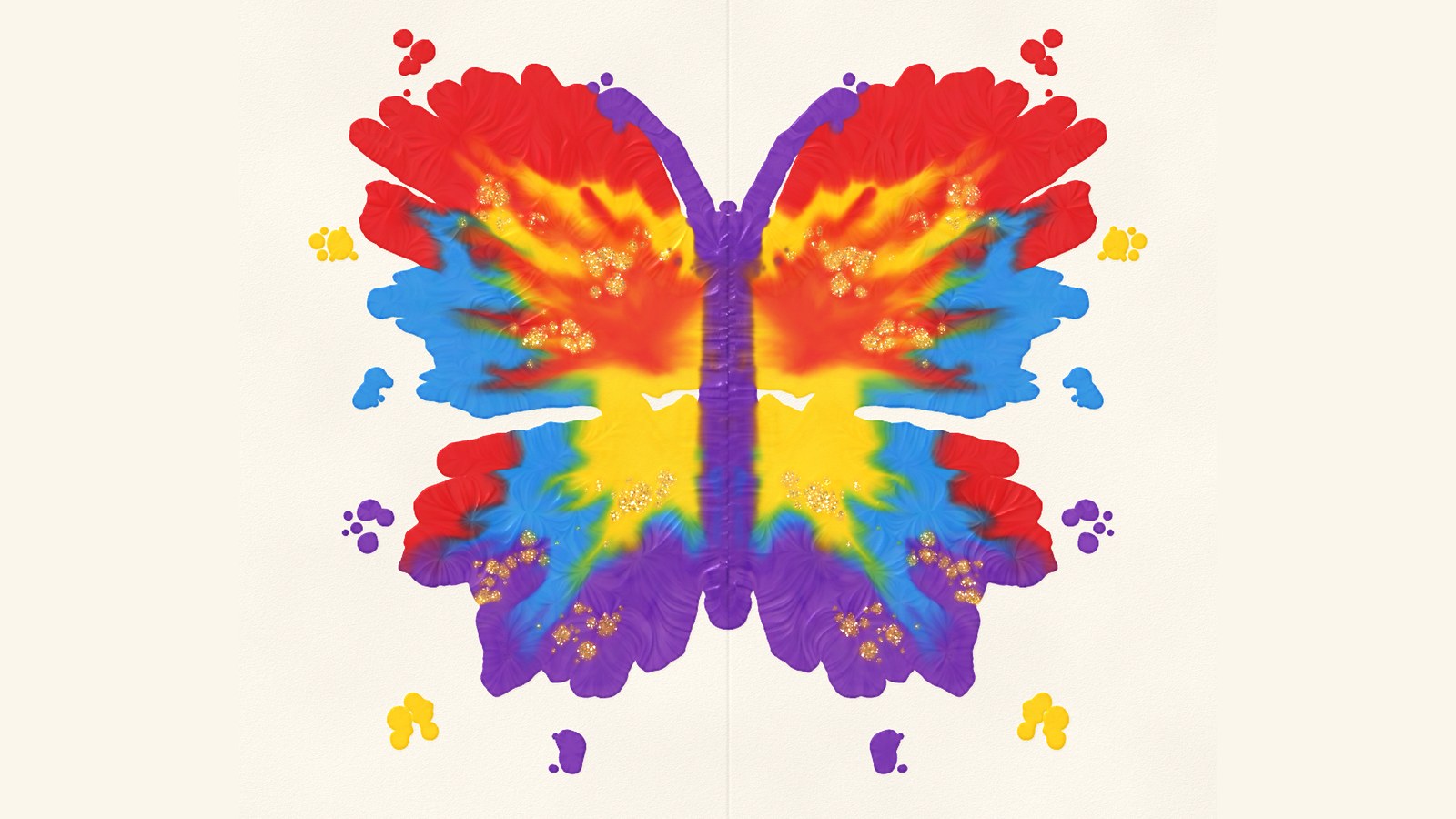
In Fold & Squish you paint half a butterfly, fold the page shut, give it a rub and peel it open. All the paint is simulated on the GPU using Metal, and this post walks through how that works. It's mostly pictures.
Ten years after INKS
In INKS (2016, Apple Design Award) a pinball left a trail of splats behind it. Fold & Squish comes from the same place, but this time the paint is thick and has some weight to it.
INKS, 2016
INKS mixing
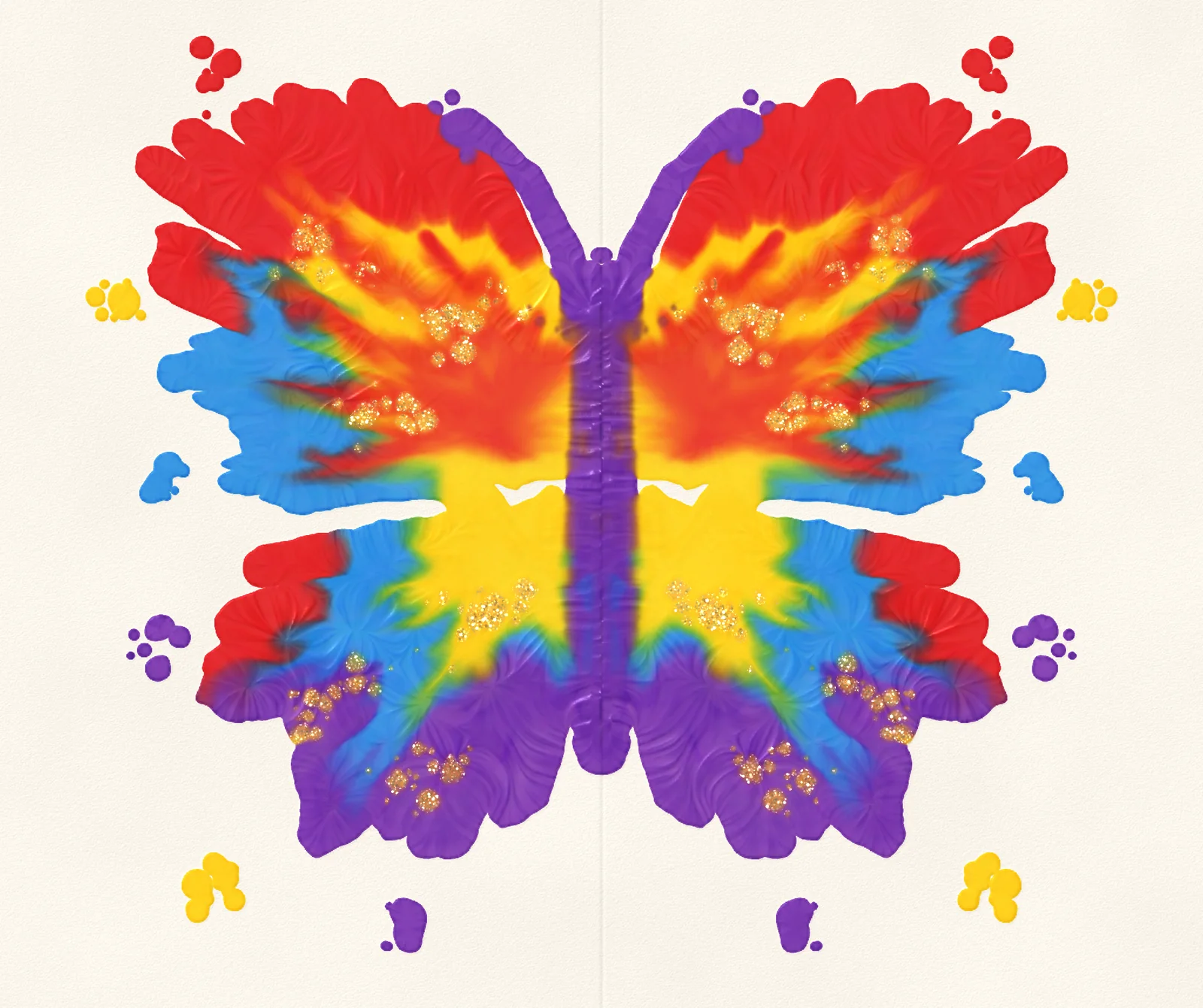
Fold & Squish, 2026
| INKS · 2016 | Fold & Squish · 2026 | |
|---|---|---|
| Ink is | flat, see-through colour | paint with height, gloss and glitter |
| A pixel holds | colour + wetness | pigment, height, wetness, glitter, a dry layer, drift |
| It moves by | a fluid sim | thin-film flow, pressure, rubbing, blowing |
| Built on | Unity render textures | Metal compute, 12+ passes a frame |
INKS pushed the phones of 2016 about as far as they would go. Ten years on, Apple's GPUs, Metal compute and unified memory leave room for a lot of things I wanted back then and couldn't fit in.
2026 experiments
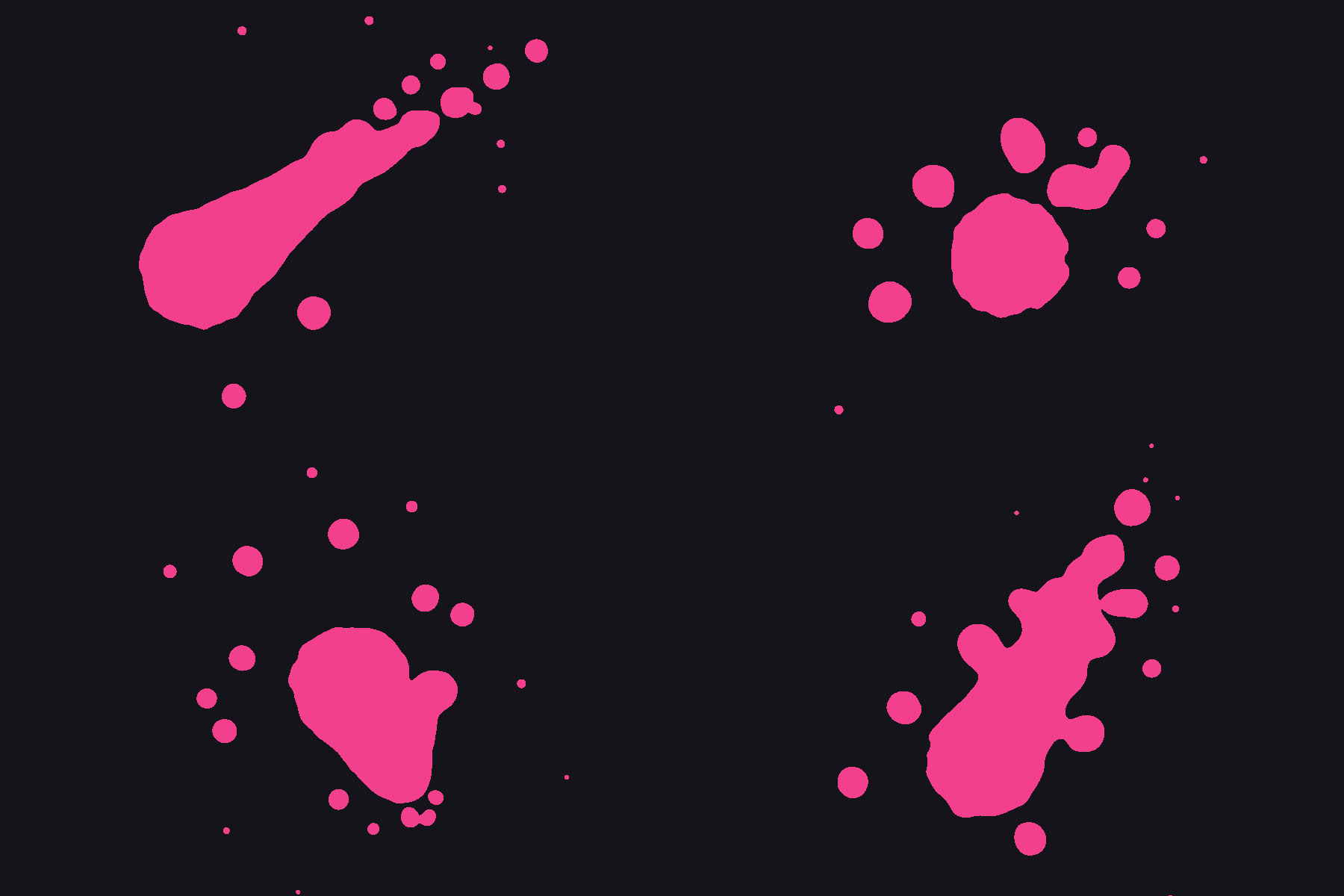
Splat shapes
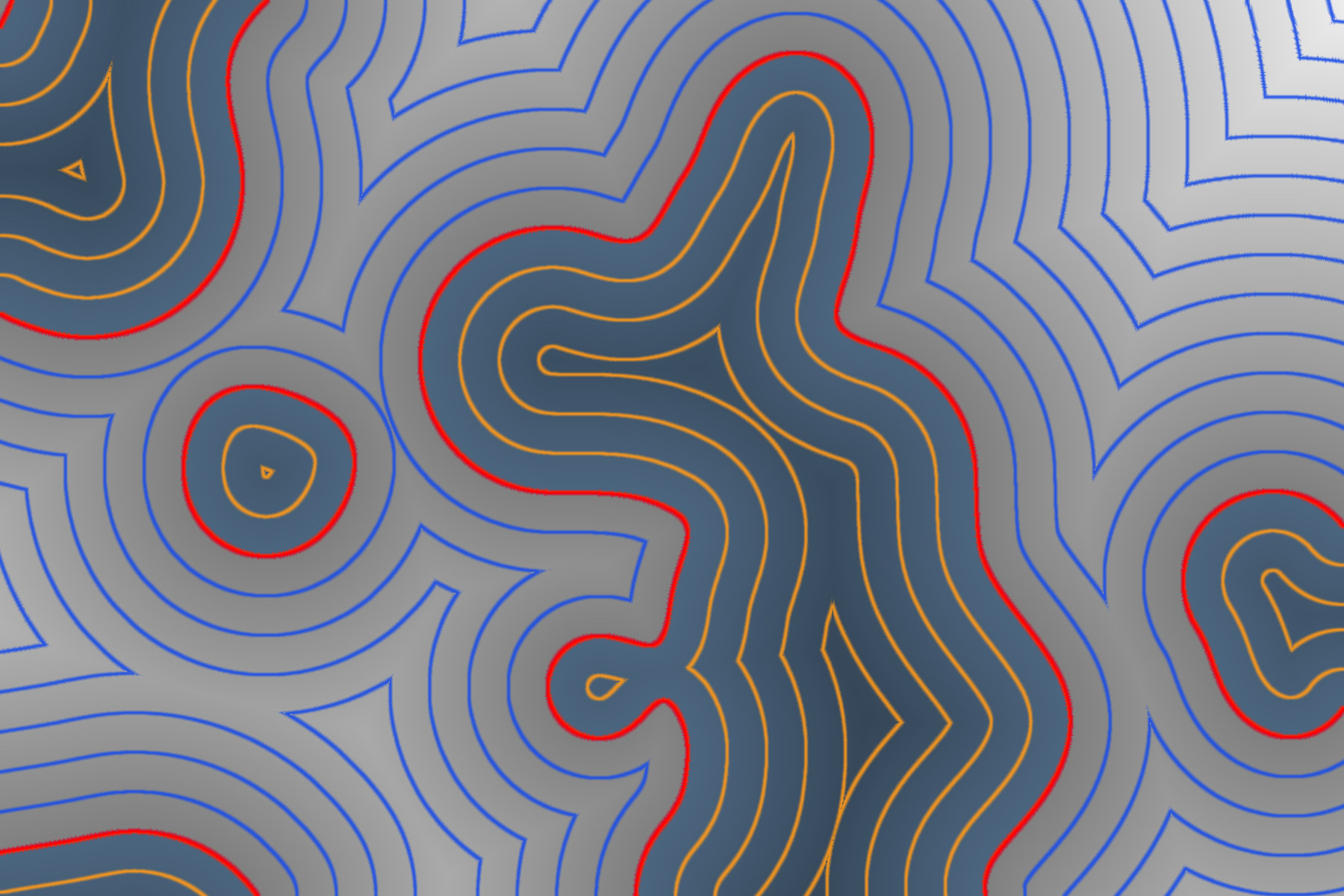
Distance fields
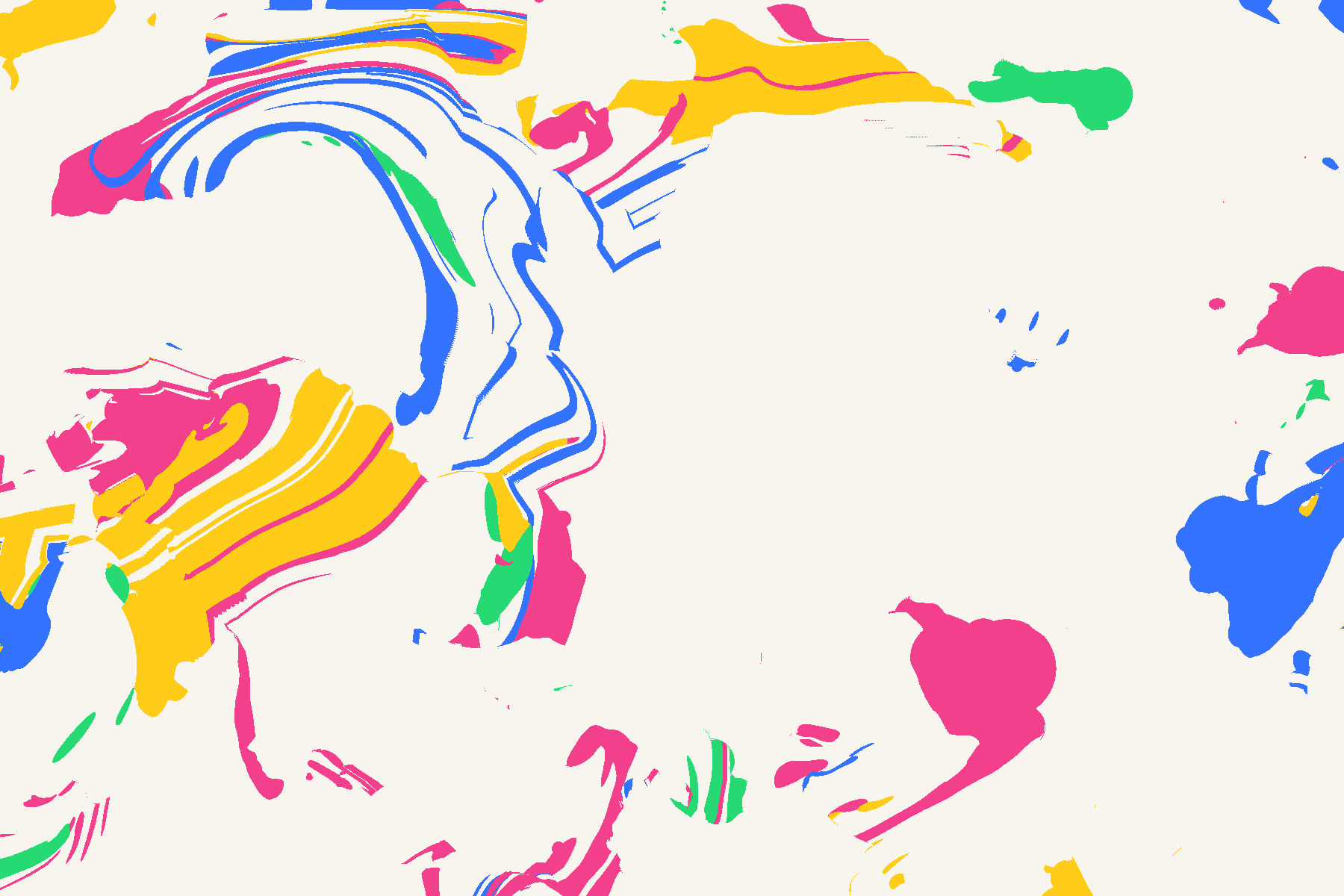
Ink in a fluid
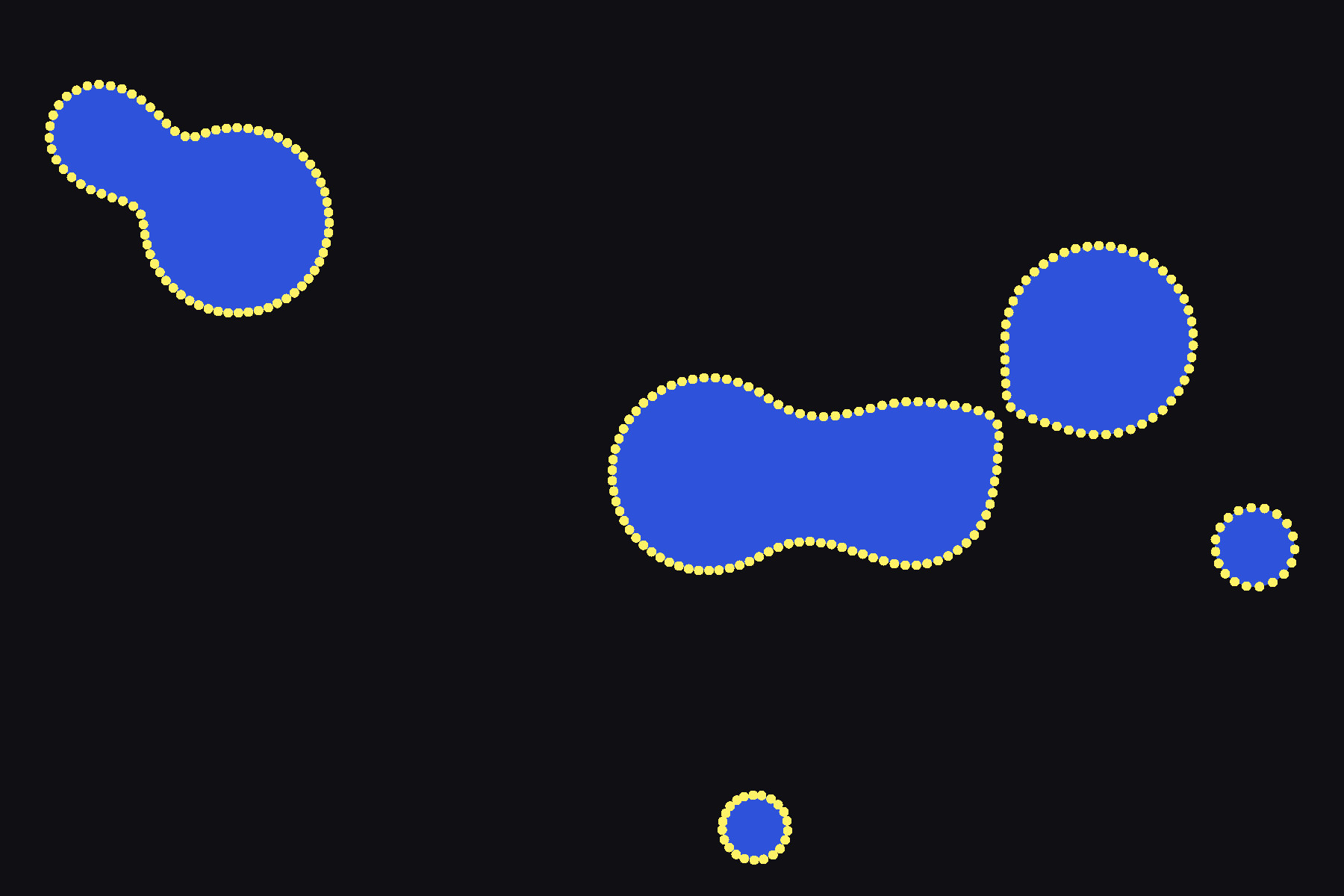
Edge particles
The sheet
Each sheet is a stack of 1024×858 textures. There's wet paint that can still move, dry paint that has soaked into the paper, glitter, and the texture of the paper itself.
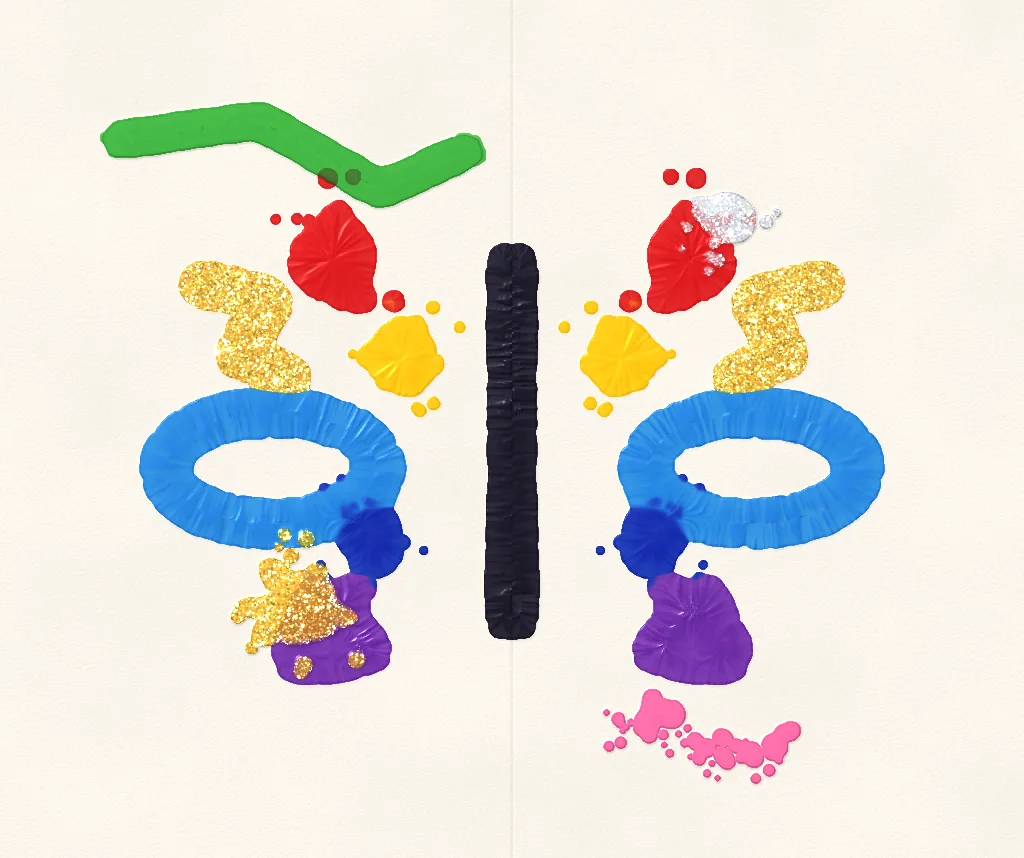
The painting. One fold, then fresh paint on top.
Splats
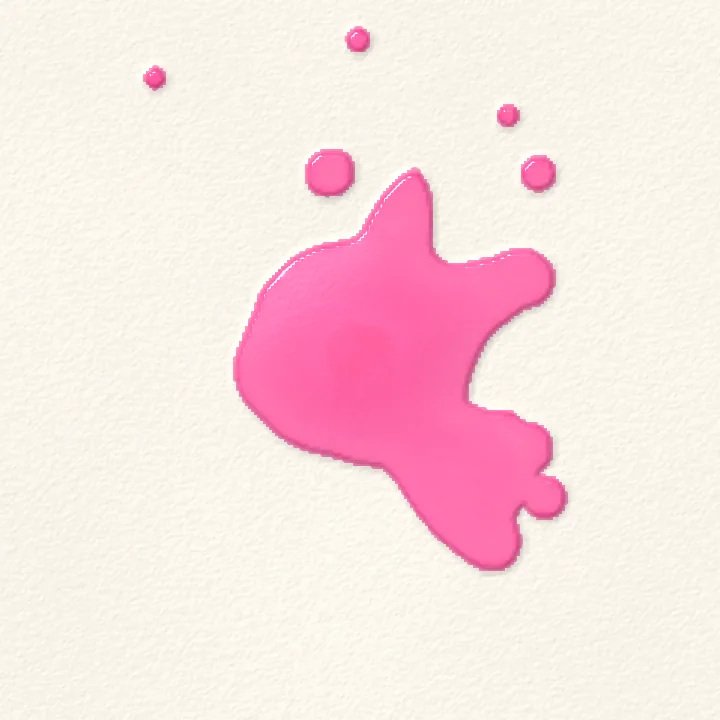
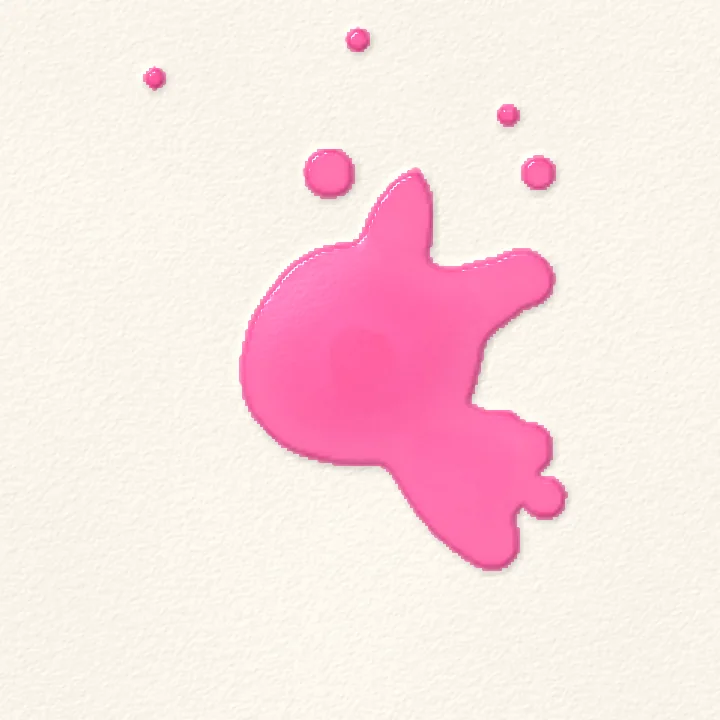
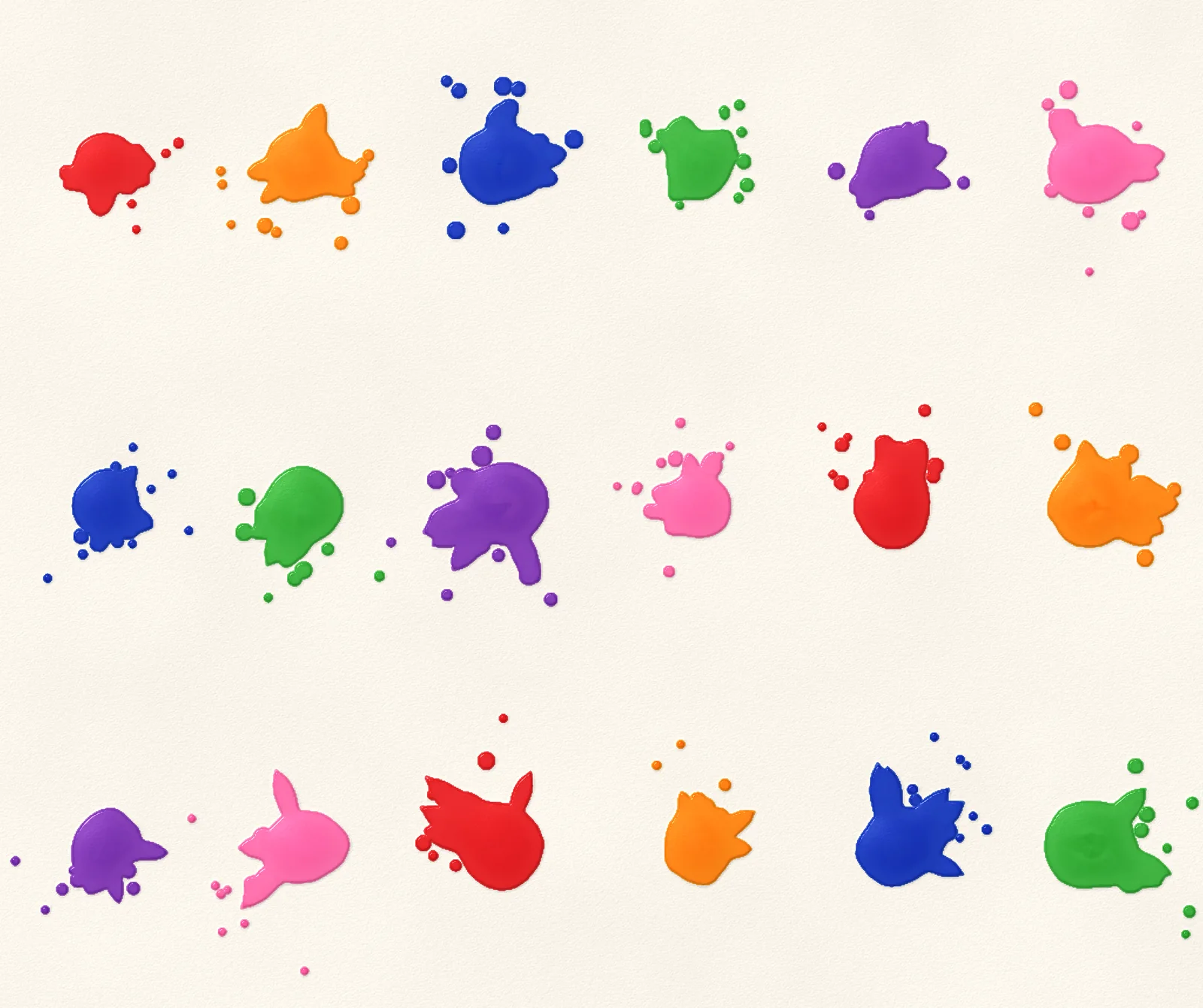
Each splat is built from a few simple shapes: a body, some lobes, little satellite drops that get smaller the further out they land, and stretched spikes. The idea comes from Lei et al. 2013. Adding noise to the edges lets the shapes run into each other the way real paint does.
● 1 body● 3 lobes● 13 satellites● 5 spikes
Kernel by kernel, then settling
Drag to compare
Taps to flicks
Colour mixes like paint
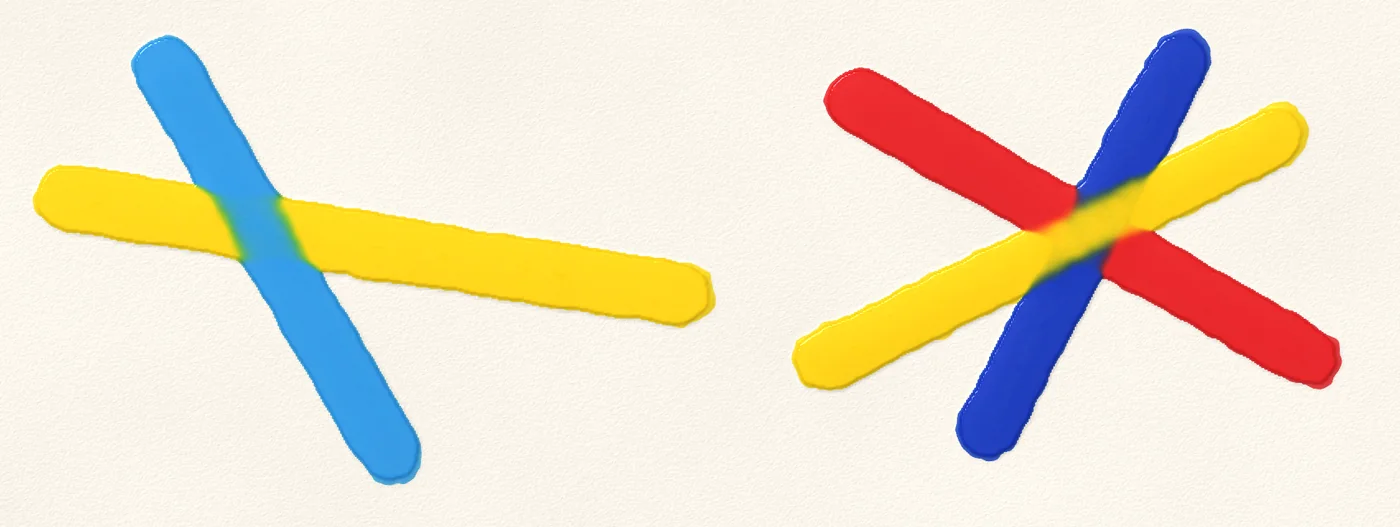
If you blend yellow and blue the way most painting apps do, you get grey. The app stores how much light each pigment soaks up (its absorbance), so yellow and blue make green, like they did in school.
Blending pixels
yellow + blue = grey
Mixing paint (the app)
yellow + blue = green
Settling
Wet paint flows from where it's thick to where it's thin. Right at the edge, any paint thinner than a set grip height stays where it is. That lets a drop round off and come to rest, and it's how the app fakes surface tension. When you squeeze the paint between the sheets, the grip lets go and it spreads again.
spread 0 texels
With grip: rounds off and stops
Without: keeps creeping
Fold, squish, rub
When you fold, the paint on both halves meets in the middle. When you rub, it squishes out under the paper.
Under the paper, the squished paint follows the texture of the paper, which breaks it up into veins.
On top: what you see
Under the paper
On smooth paper
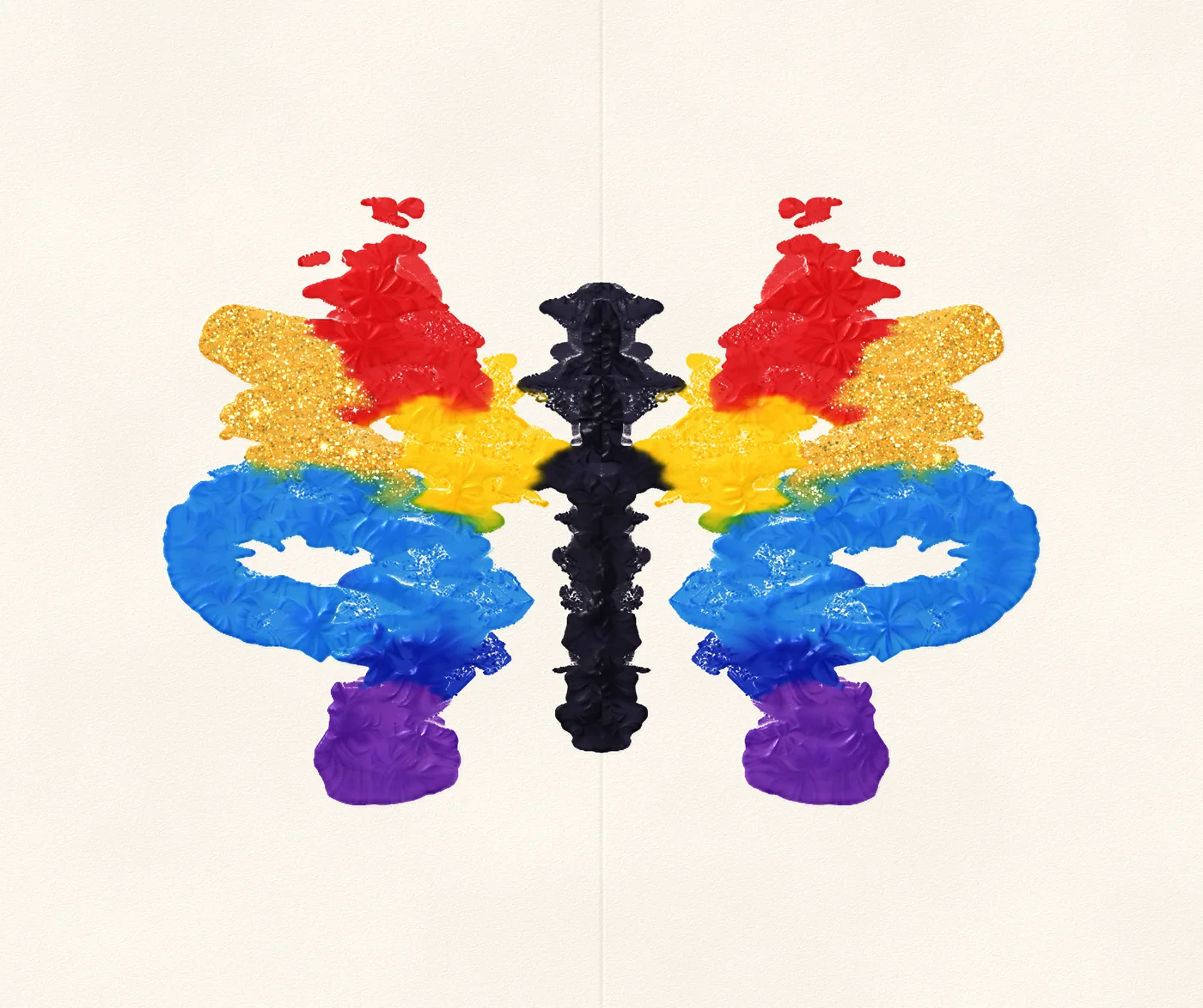
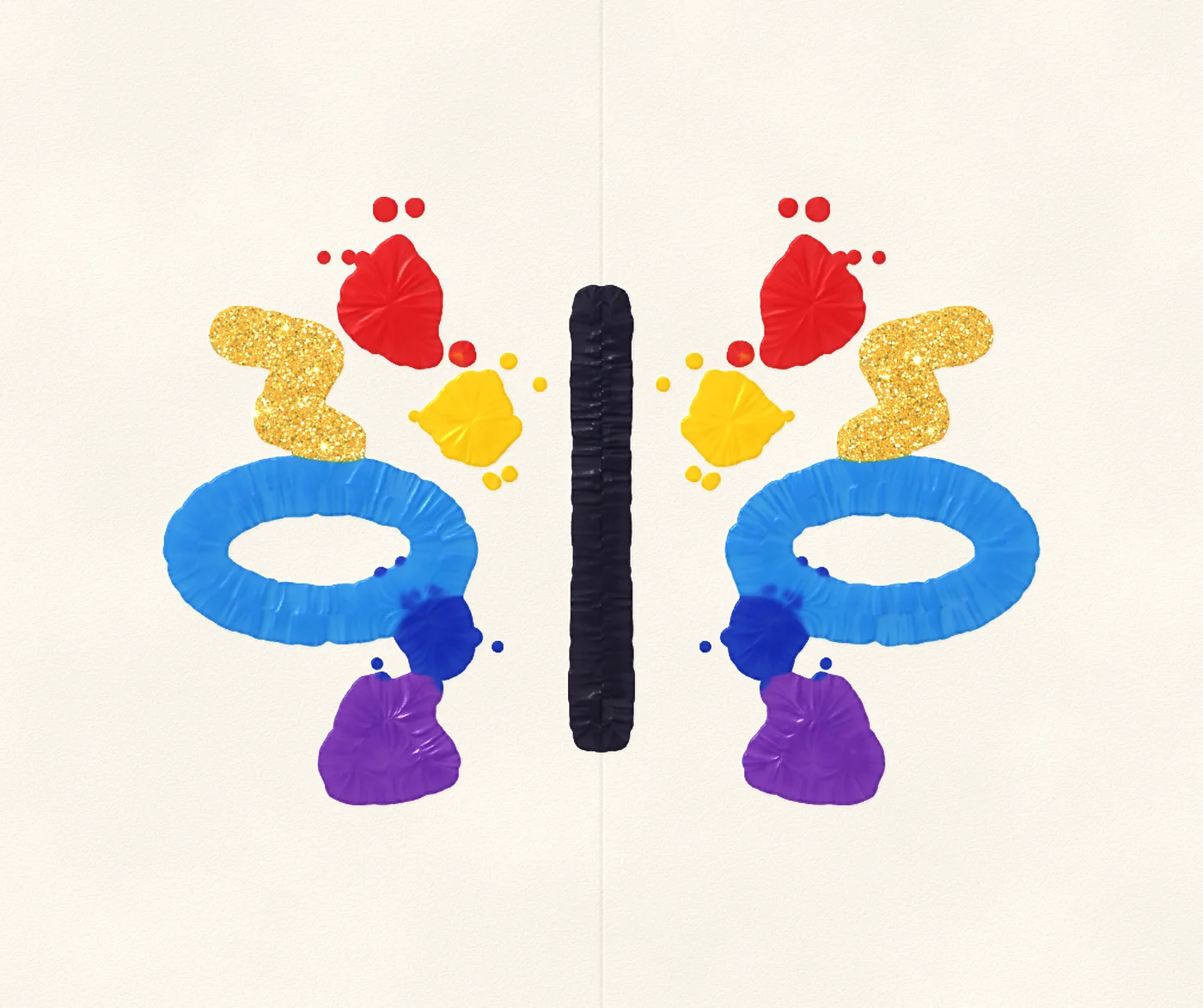
Drag to compare
On iPhone Duo the phone is the paper. Close it and rub the outside: the paint soaks through where you press.
The peel
When you peel the sheets apart, the paint splits between them in streaks that run from thin paint towards thick. That's what gives you the fingers reaching in from every edge.
Finger directions
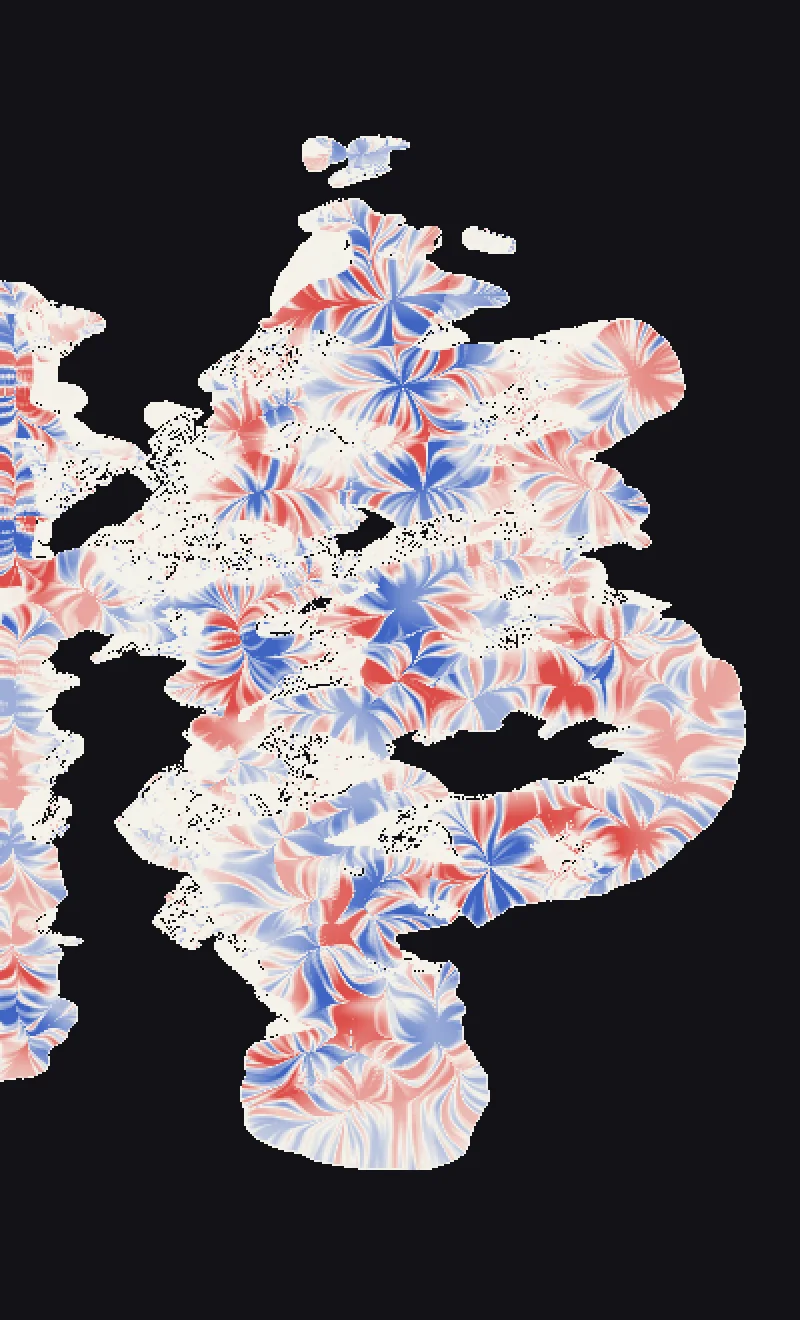
Who keeps what
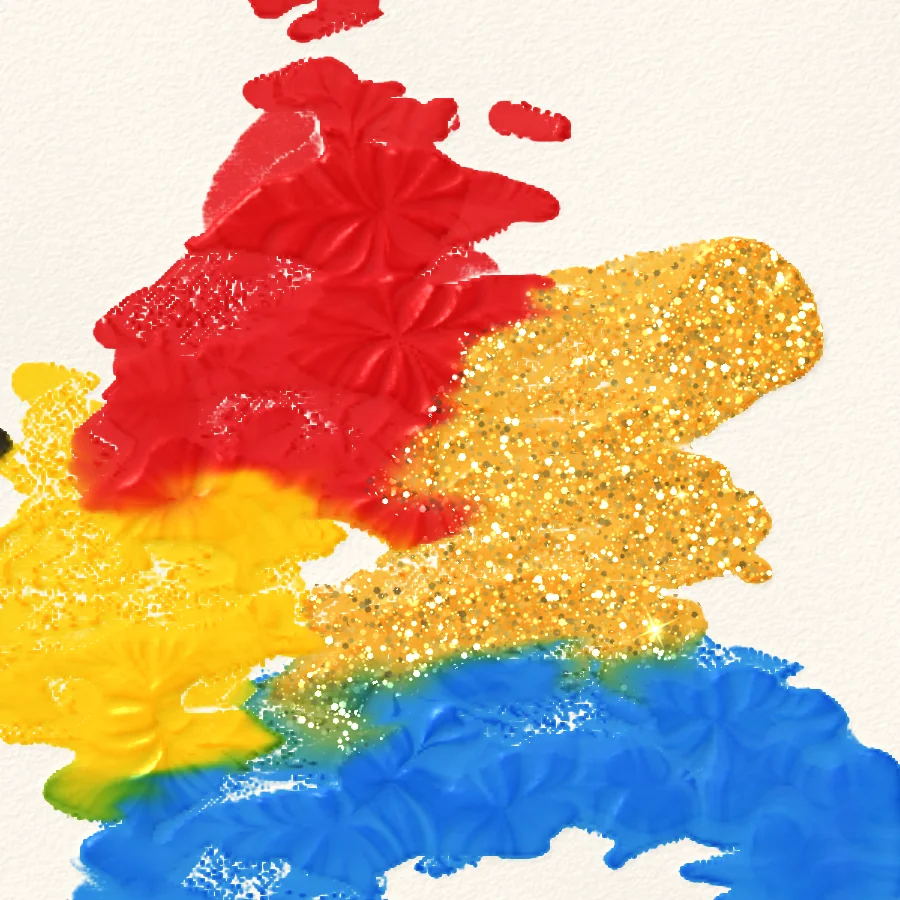
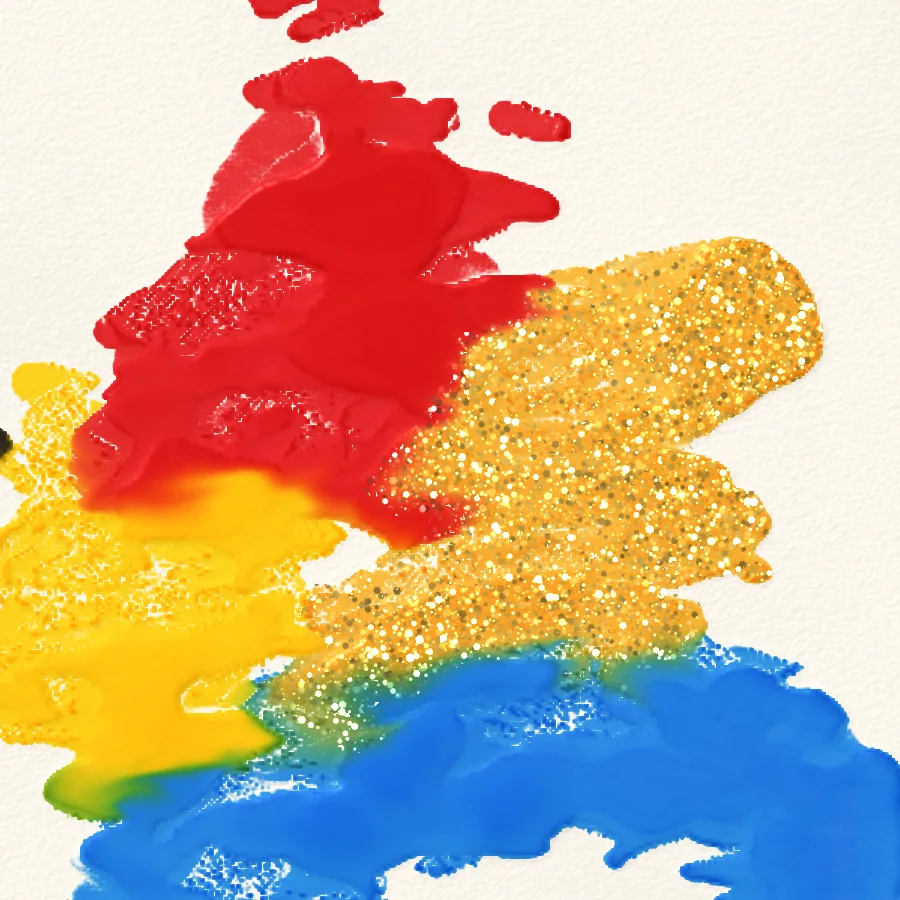
Veins
The magic straw
Every puff of air breaks up into a few separate streams, and each one drags the thick paint out into a spidery finger.
The air
With streams of air
Without: one smooth tongue
Glitter
The glitter lives in the paint. Every bit of paint remembers where it was first put down and how far it has been pushed since then. Each flake is drawn at that remembered spot and moves with it, so when you smudge glittery paint the flakes stay sharp and travel along with it.
The glitter
What the flakes ride on
Drawing it
A single shader draws the paint, working up from its height one layer at a time.
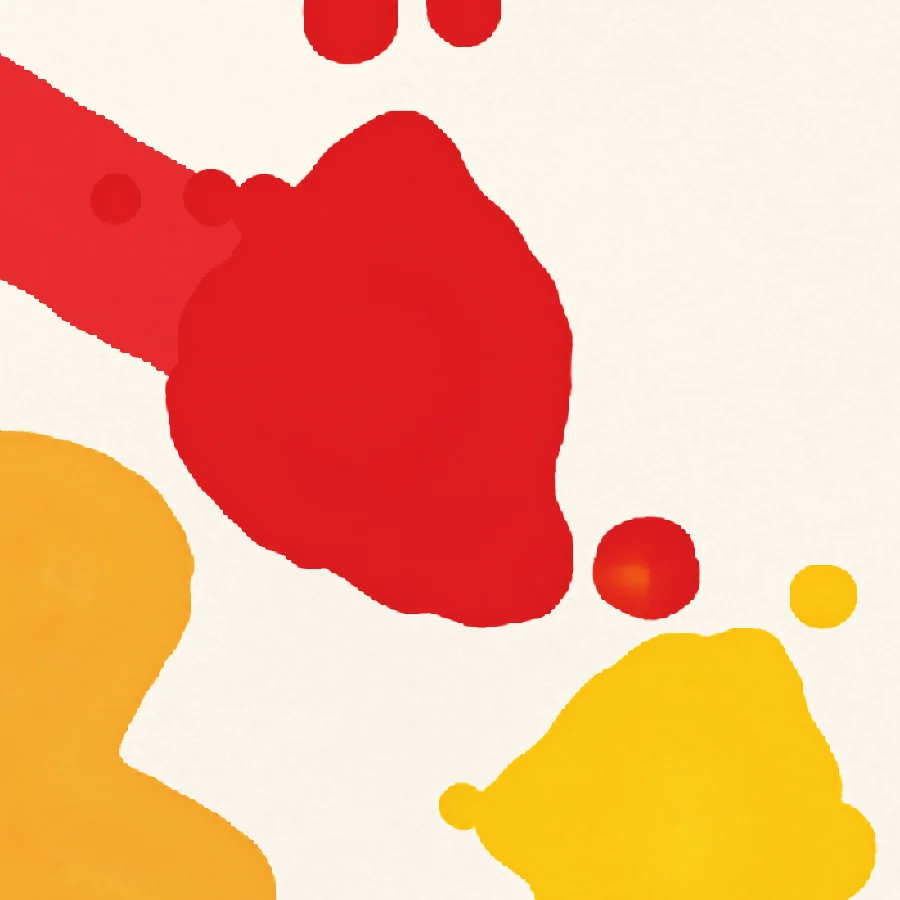
Flat colour.
Why Metal
All of this runs every frame, and there's still plenty of the frame left over.
0.56 ms
GPU per painting frame, 3 flow steps + blur
2.4 ms
heaviest frame: straw + full render, of 16.7
1.4 µs
cost of one more dispatch in an encoder
0.90 ms
to draw the whole sheet at 2853×2007
A few things in Metal made a big difference. I can chain dozens of small compute passes in a frame and each extra one only costs a few microseconds. Function constants let me compile the flow kernel twice, as a full version and a lighter one for older devices. Mipmaps give me cheap blurs for the darker rims and the peel. Storing paint in half floats halves the memory, and because the CPU and GPU share memory, saving a painting just means reading the paint straight back.
Reading
- Lei et al. Interactive Physics-based Ink Splattering Art Creation, 2013.
- Chu, Tai. MoXi: Real-Time Ink Dispersion in Absorbent Paper, 2005.
- Adobe Research. Dripping Thin Films for Real-time Digital Painting, 2026.
- Curtis et al. Computer-Generated Watercolor, 1997.
- Harris. Fast Fluid Dynamics Simulation on the GPU, GPU Gems.
- Splats: the ink behind INKS.
Related project
See the work behind this post.
Fold & SquishButterfly painting with real-feeling paint, simulated on the GPU with Metal for iPhone, iPad and iPhone Duo.SwiftSwiftUIMetalView case study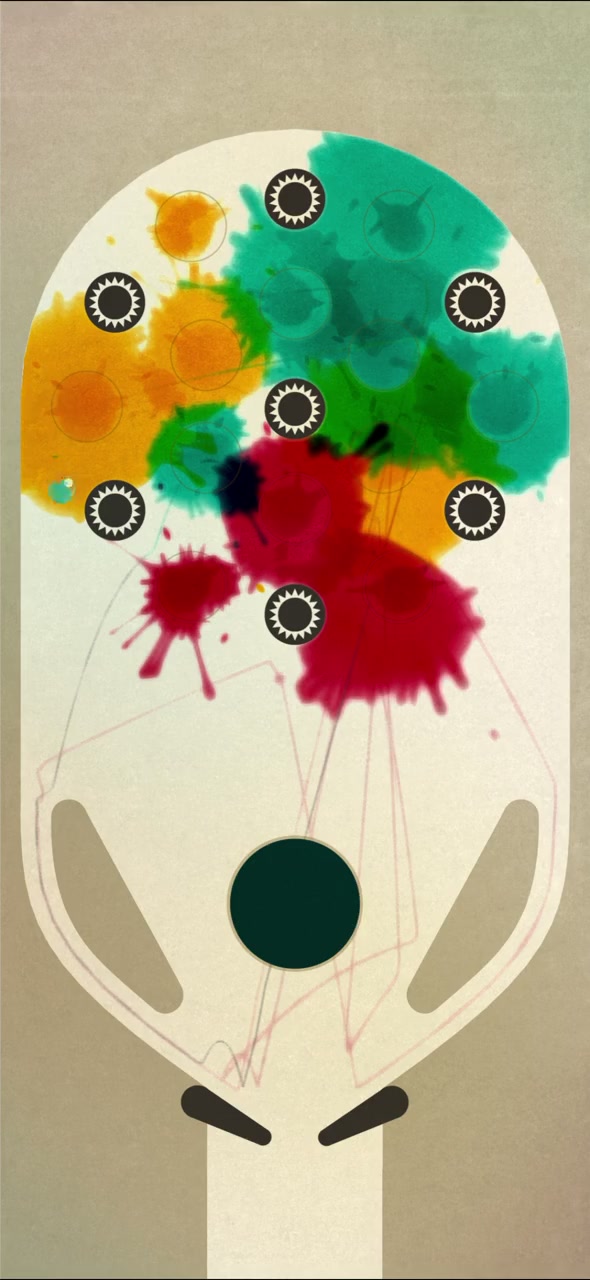 INKSFlowing ink, a painted ball and Unity tools that keep the artwork, physics and objectives in step.UnityC#ShadersView case study